> ## Documentation Index
> Fetch the complete documentation index at: https://docs.runconverge.com/llms.txt
> Use this file to discover all available pages before exploring further.
# Getting help
> How to get help with Converge
If you need help using Converge, here are your options:
## Documentation
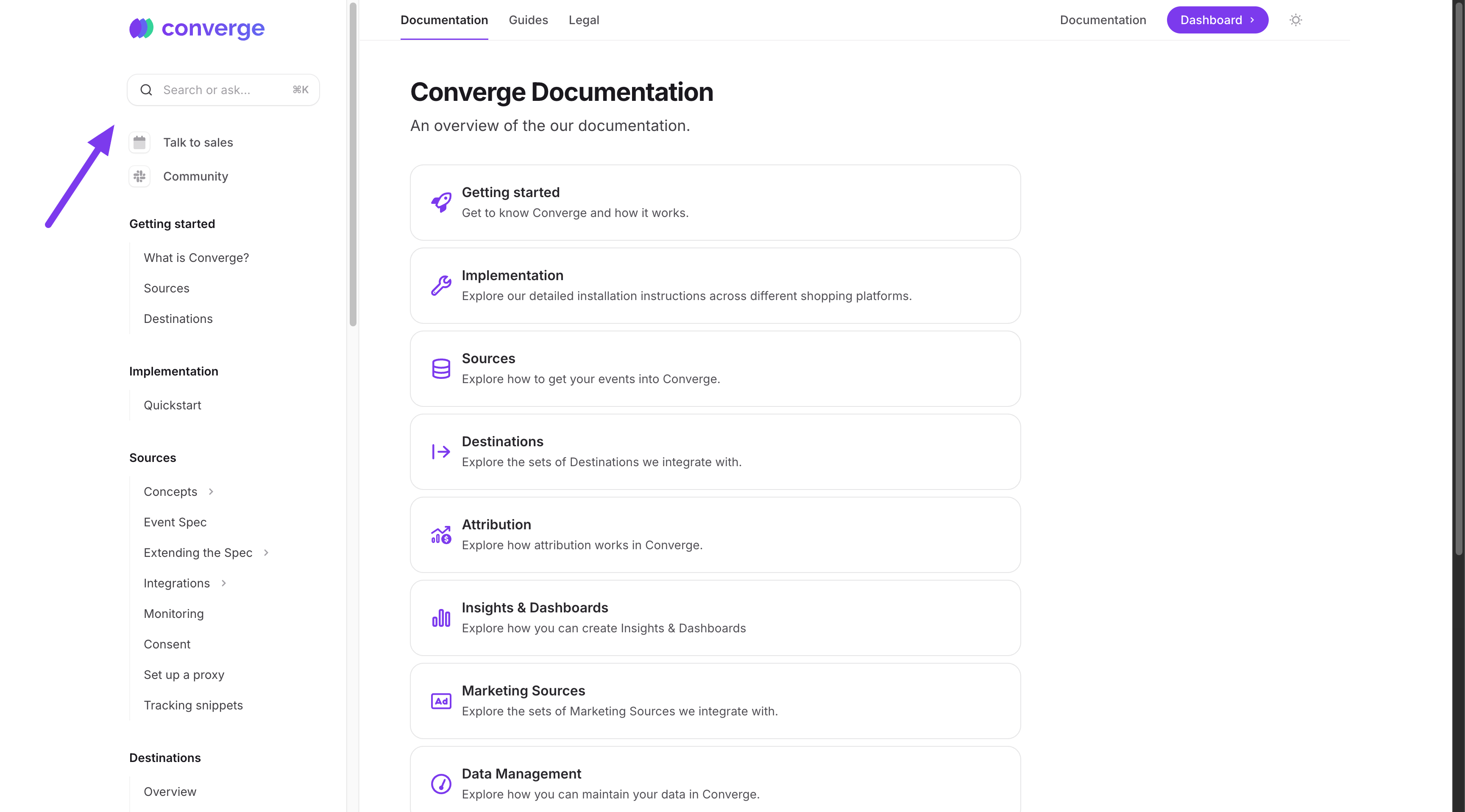
Our documentation explains how Converge works. Use the side menu, search bar, or the [overview](/) to find what you need.
 ## AI Agent
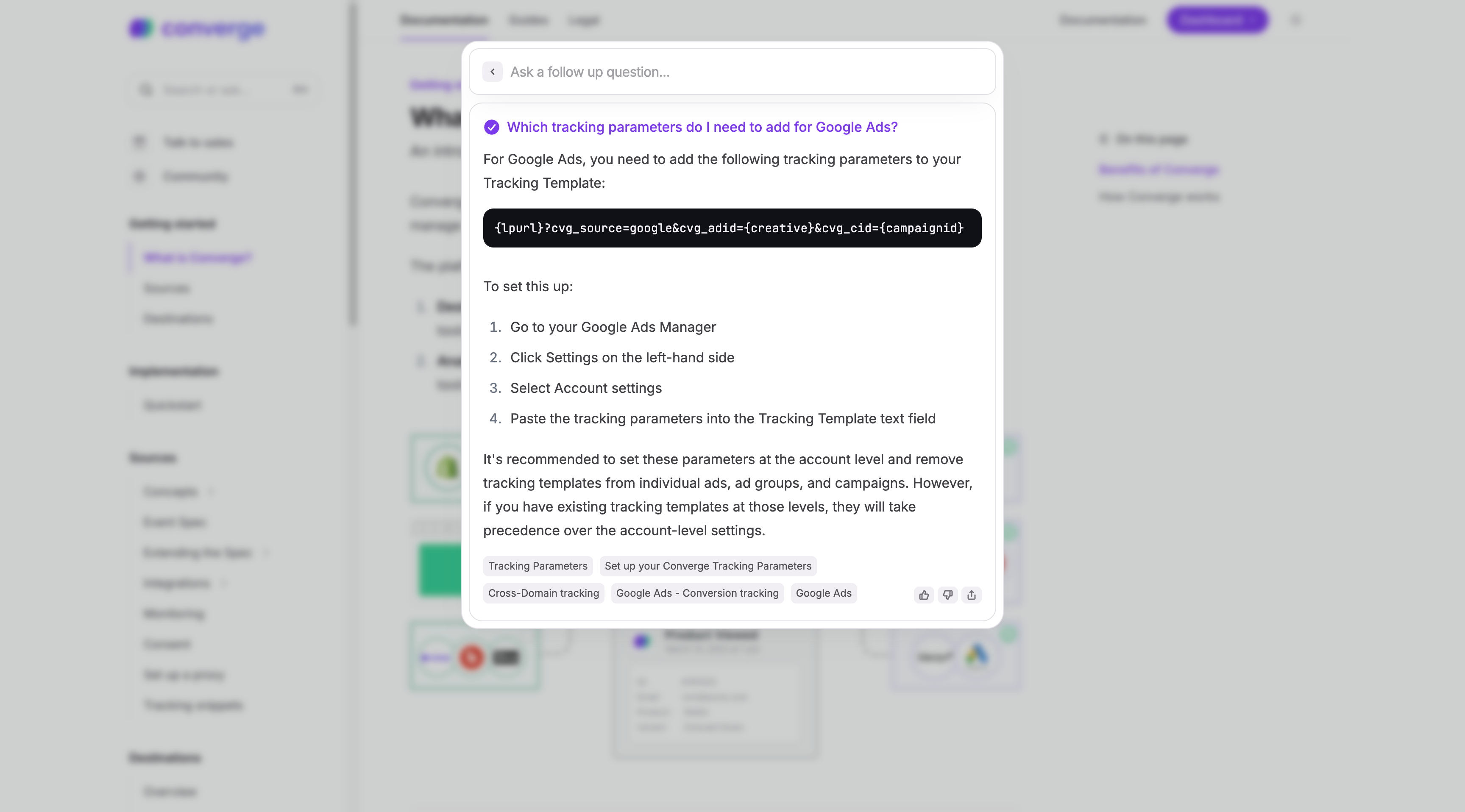
Instead of searching, you can ask our AI agent a question directly in the search field. It will try to answer based on the docs.
## AI Agent
Instead of searching, you can ask our AI agent a question directly in the search field. It will try to answer based on the docs.
 ## Chat
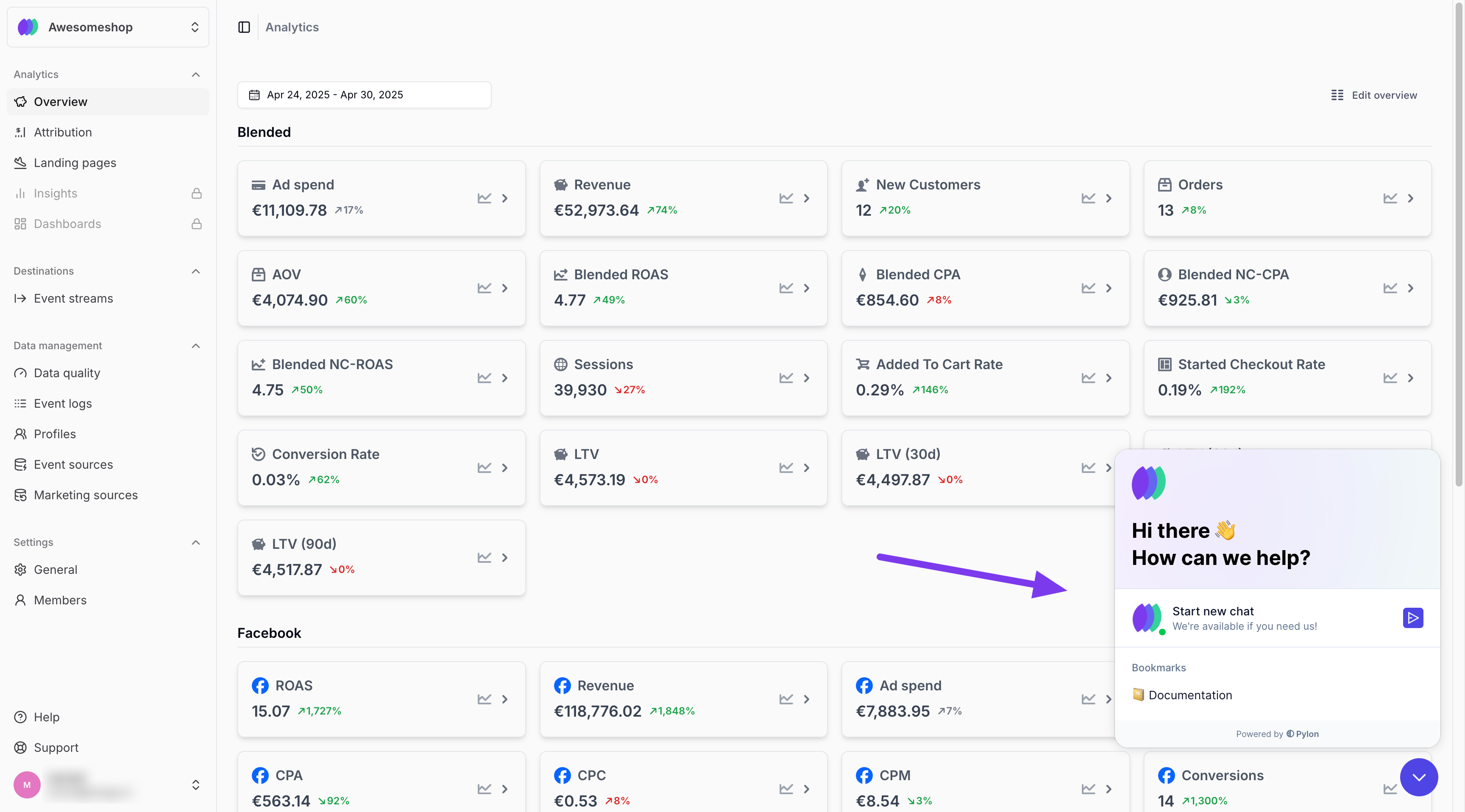
You can chat with our support team from inside your workspace. They’ll respond as soon as possible during business hours.
## Chat
You can chat with our support team from inside your workspace. They’ll respond as soon as possible during business hours.
 ## Email
You can also email our support team. You can find the email inside your workspace. We'll get back to you as soon as possible during business hours.
## Email
You can also email our support team. You can find the email inside your workspace. We'll get back to you as soon as possible during business hours.