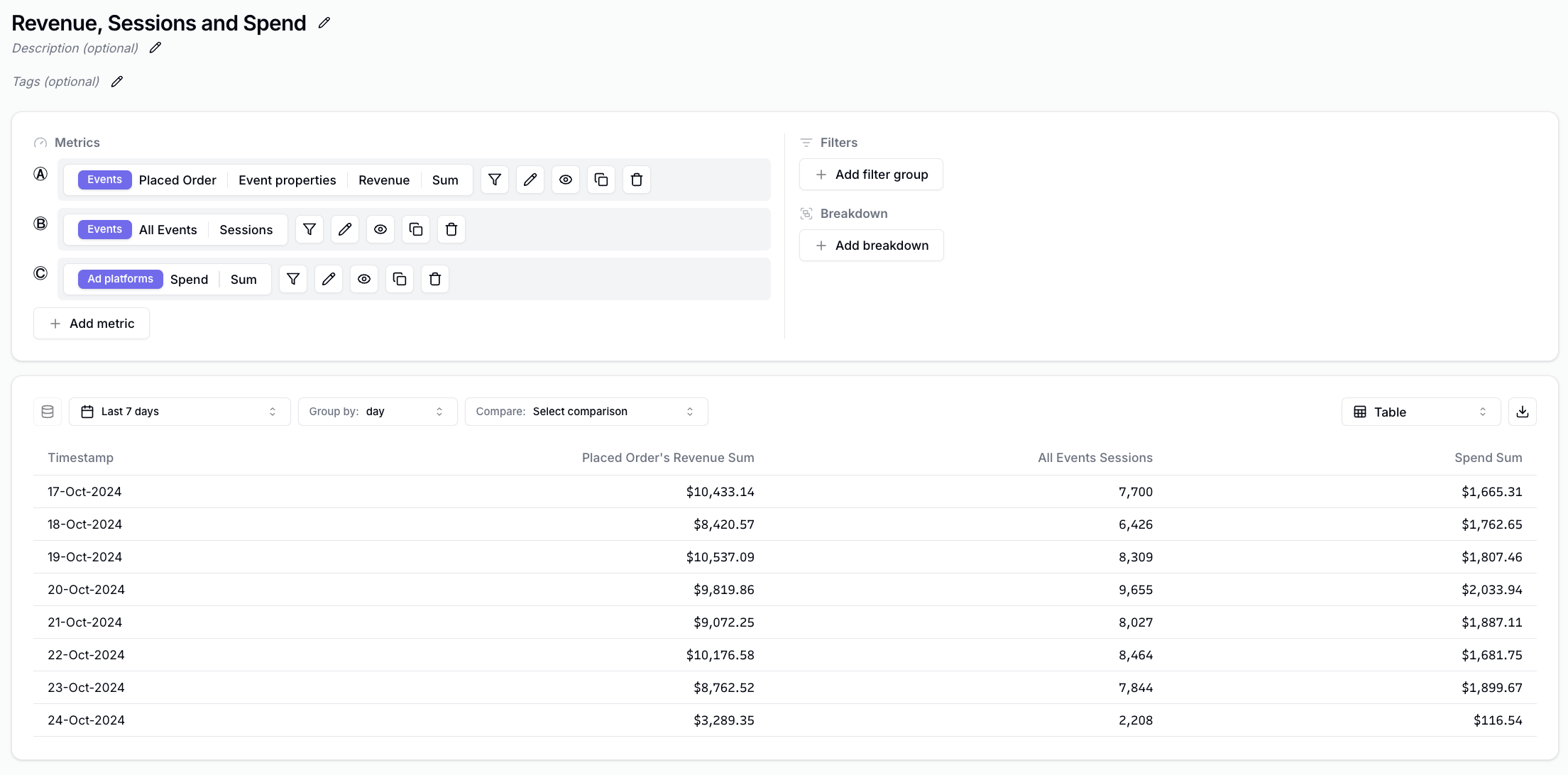
Types of Metrics
When you click on Add metric, you have metrics in 4 categories.Popular
A small curated set of metrics from the other types that are often searched for.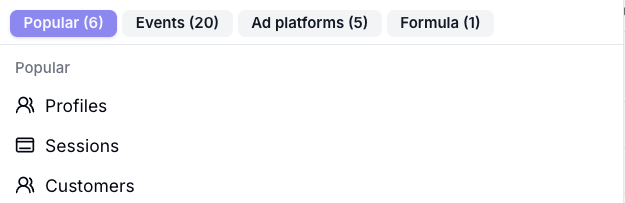
Events
Metrics based on the Events you track with the Converge Sources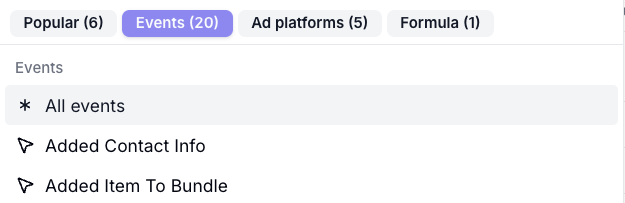
Ad platforms
Metrics based on the Marketing Sources you connected under Marketing Sources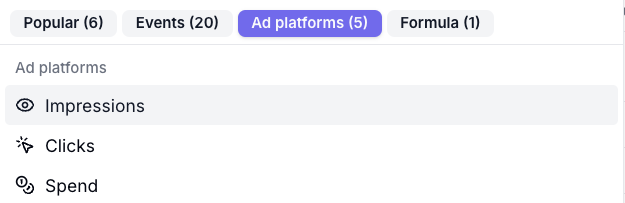
Formula
A custom formula based on existing metrics.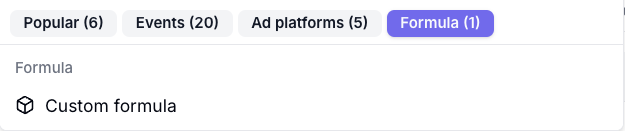
Aggregations
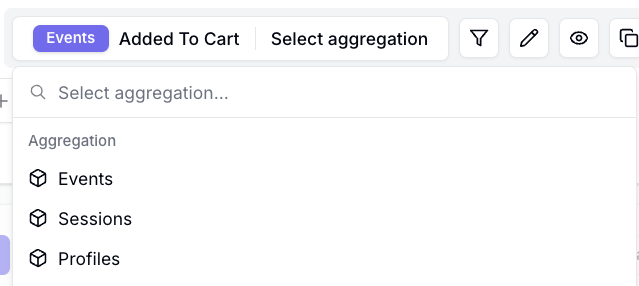
When you select Event Metrics such as Added To Cart, you might be looking for:- The total number of Added To Cart events
- The total sessions with an Added To Cart event
- The Added To Cart conversion rate
- The Cost per Added To Cart
- etc.
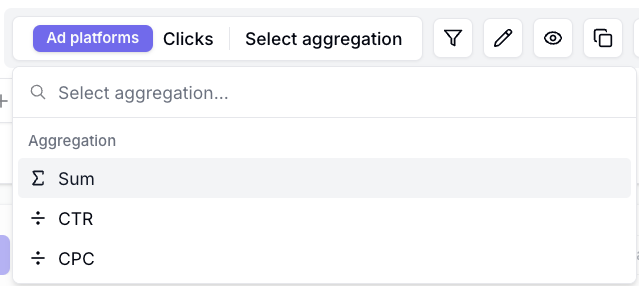
- The total number of Clicks
- The CTR
- The CPM
- etc.
Available Event Aggregations
Available Ad Platform Aggregations
Renaming a Metric
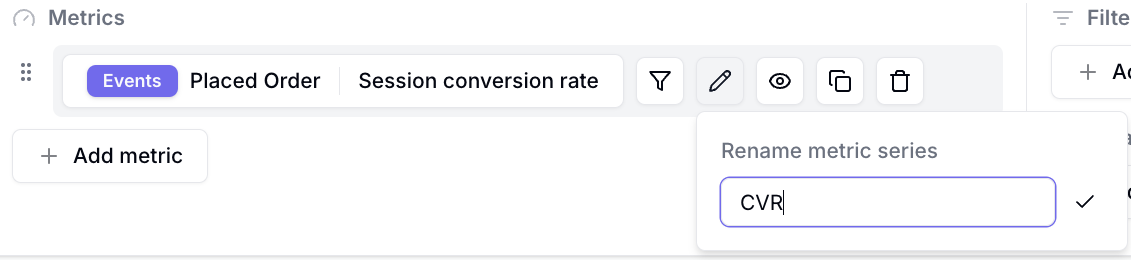
- Click on the -icon next to the metric you want to rename.

- Give your metric a new name and click on
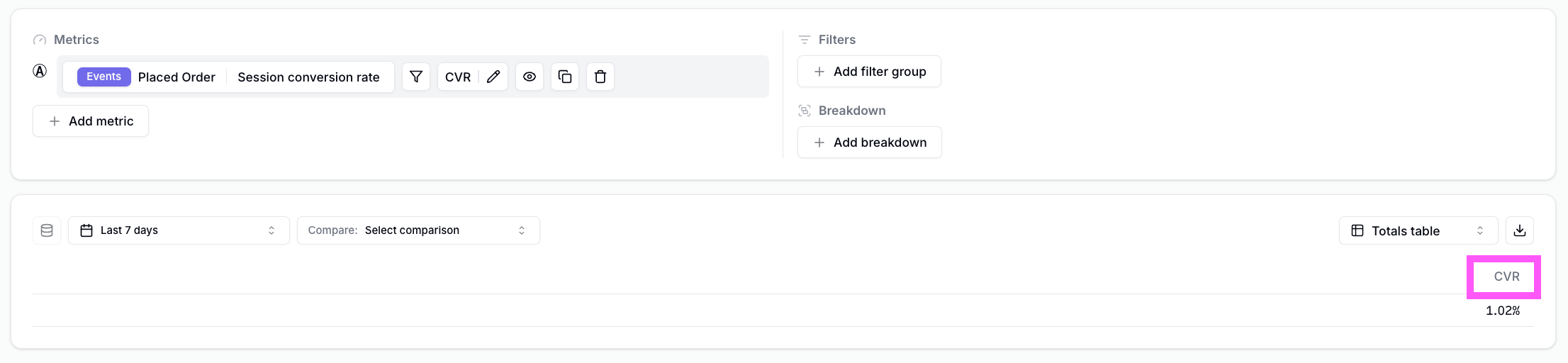
- Notice that in your insight, the metric is appropriately renamed
Hiding a Metric
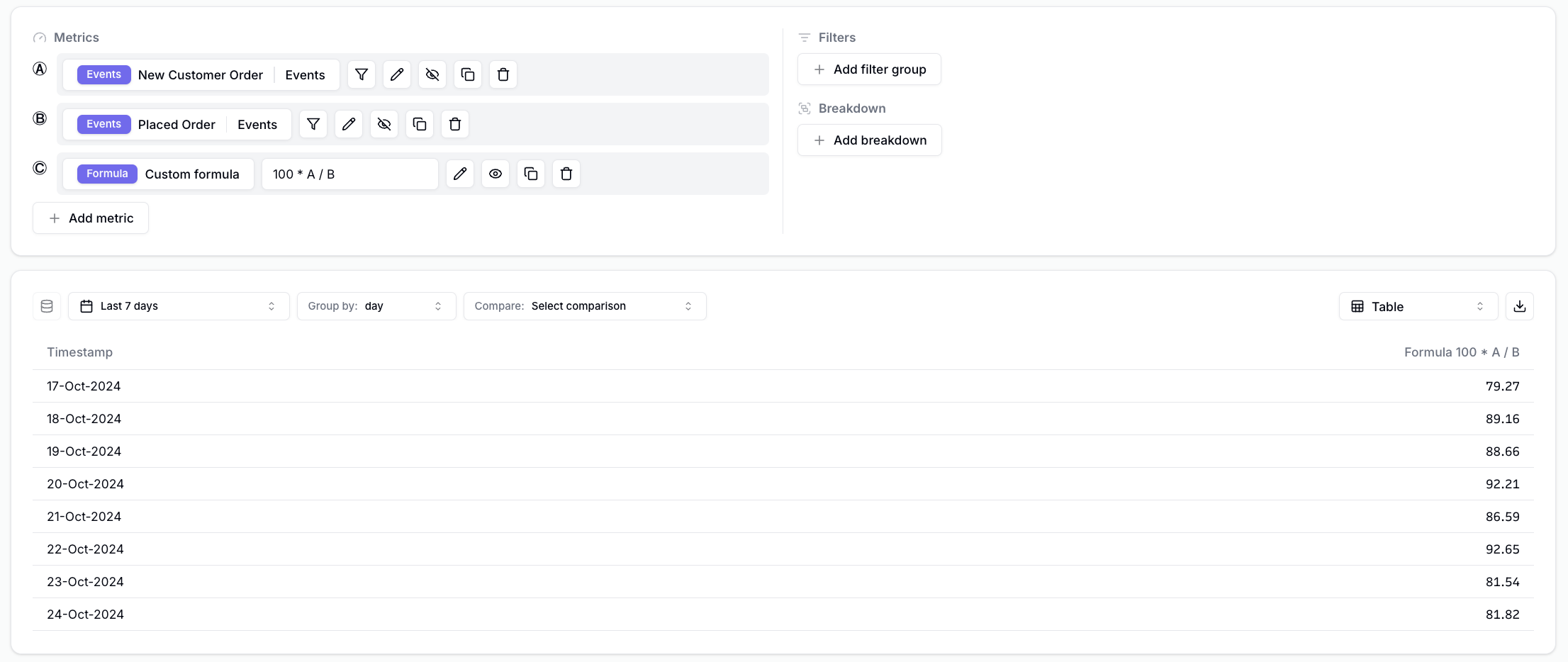
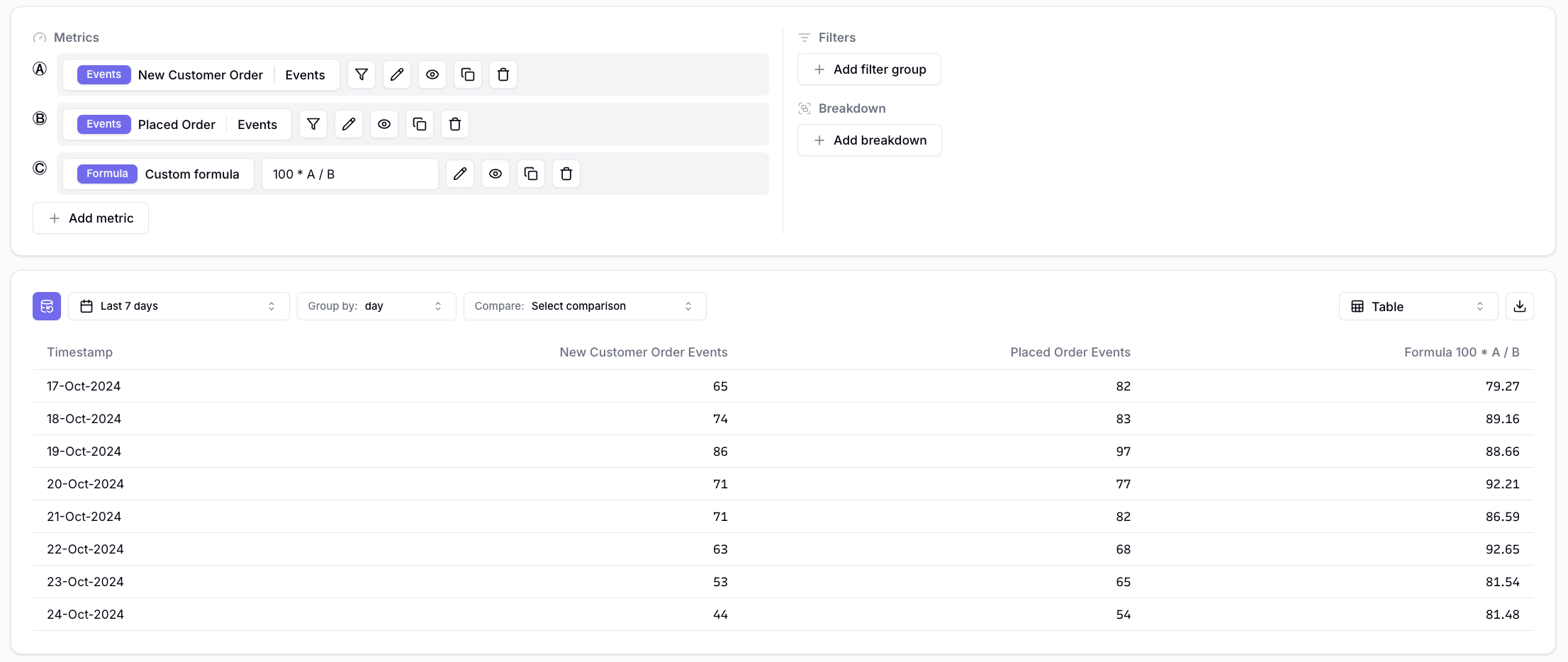
You might want to combine some metrics in Formula Mode and only show a subset of the metrics you’ve used in the query. For example, say that we want to show the New Customer %, which is defined as100% * New Customers / Total Orders.
The query would look something like this.
-
Click on the -icon next to the metric you want to hide. In this example, this would be metrics A and B.
-
The metrics should have disappeared from the insight.