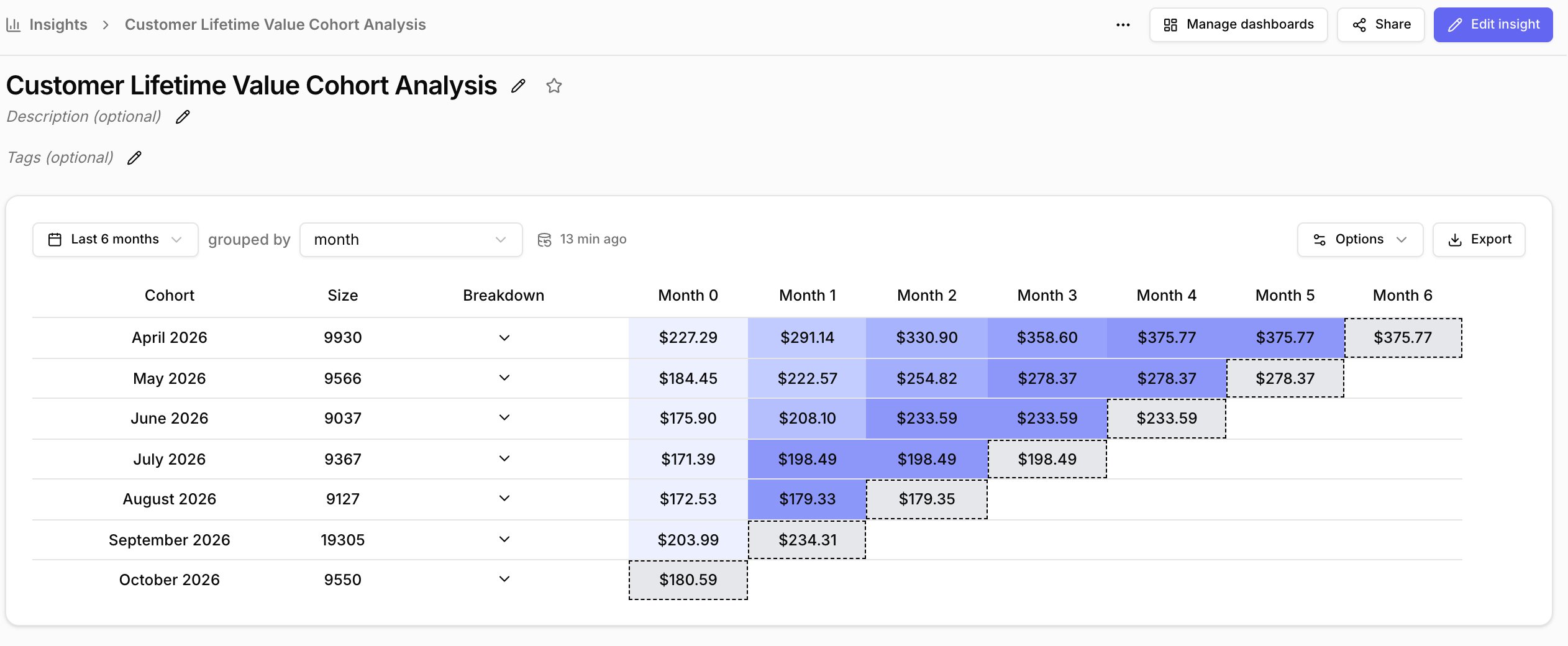
How to create your first cohort insight
- From the sidebar click on and click on Create new insight.
- This will open the query builder, click on Cohorts from the top picker.
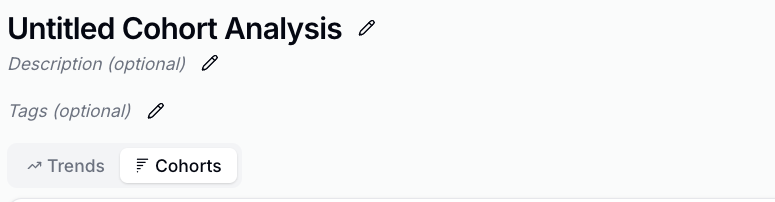
- Click on
- Click on
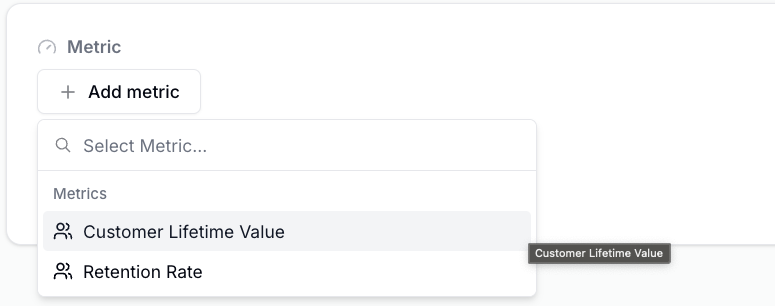
- Click on in the top right corner.
- You’ve created your first cohort insight.