

Example
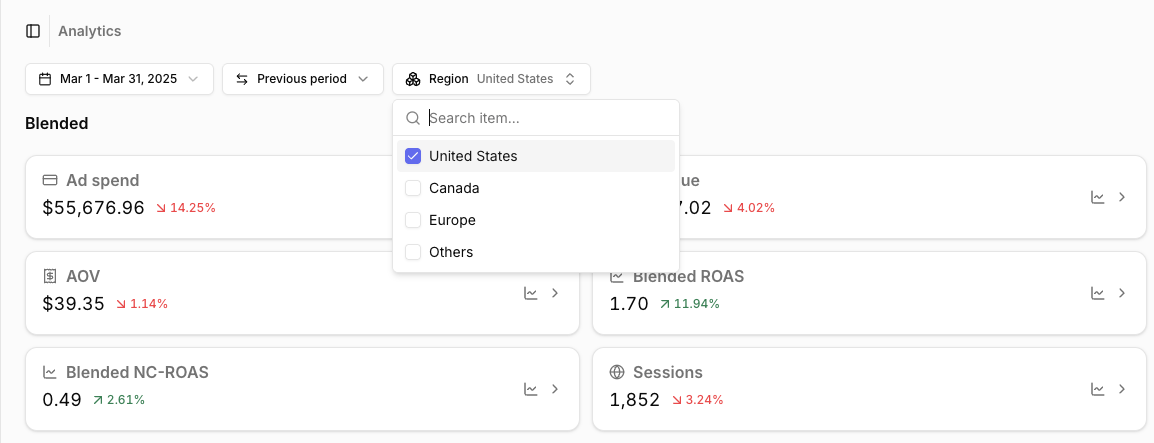
If your brand operates in multiple regions (for example the US, Canada, and Europe), you can create a Region store dimension with one group per region: United States, Canada, and Europe.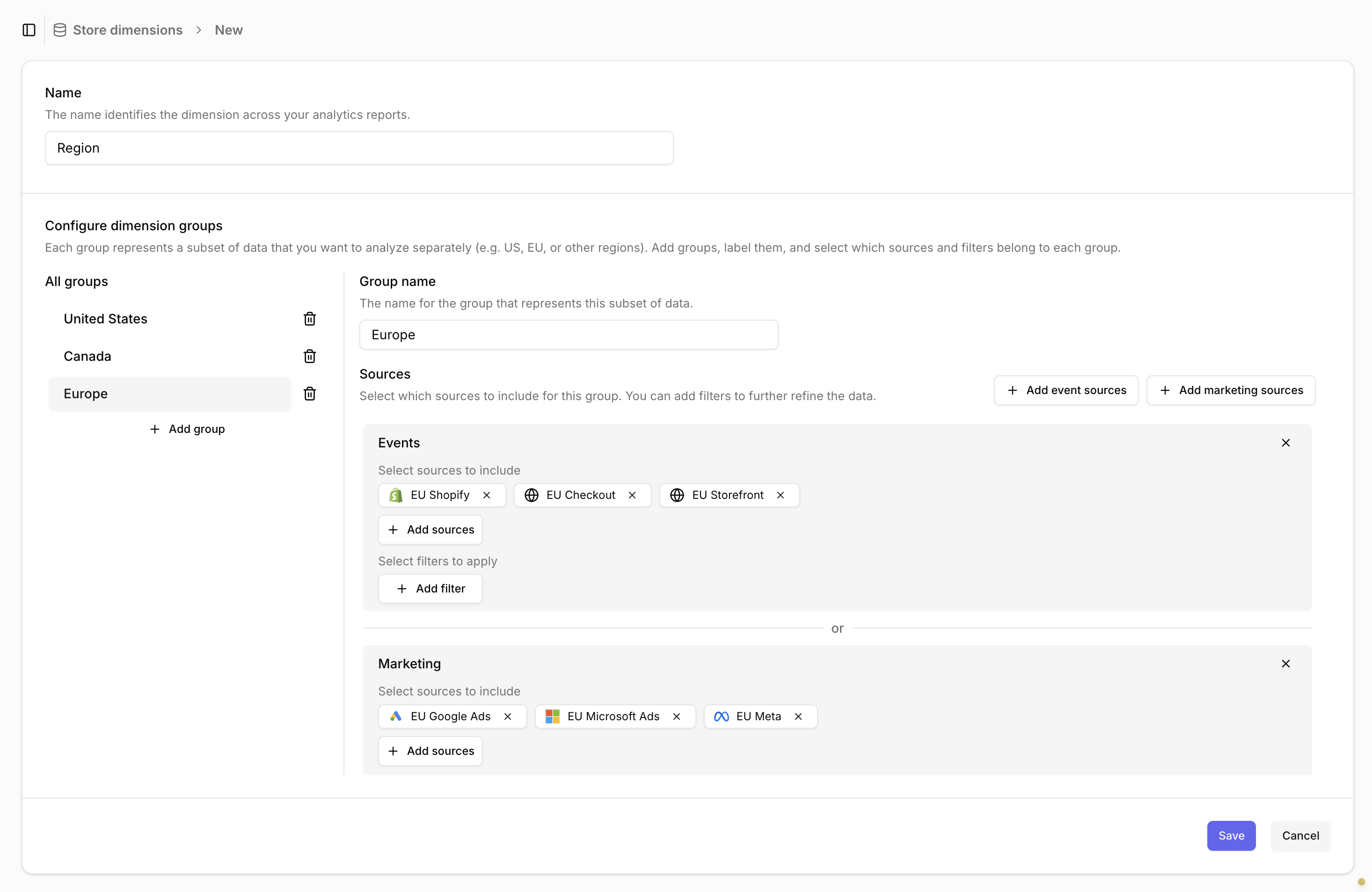
Adding a store dimension
- Go to the Store dimensions tab in the main menu and click Create store dimension.
- Name your dimension, e.g. Region or Brand.
- Add the first group and give it a name, e.g. United States.
- Select which sources contain data for this group. Optionally add filters to further narrow down the data. See Choosing sources and filters.
- Click Add group to create more groups. You can also duplicate an existing group using the icon next to it. Repeat steps 3 and 4 for each group.
- Click Save to create the store dimension.
Choosing sources and filters
The key decision is how you split your data into groups.Events and Marketing
To understand marketing performance for a store, you need blended metrics (CPA, ROAS, …). This means you must identify both:- Events - which website traffic and revenue belong to which store?
For example, all traffic landing onus.mybrand.comormybrand.com/us. - Marketing - which marketing spend drives traffic to which store?
For example, all campaigns running in the United States, tagged with aUS | ...naming convention.
Sources
The simplest way to split data is by source. If each store already has separate websites and ad accounts, and these are set up as different sources in Converge, you can reference those sources directly in the store dimension groups.Filters
Splitting by source alone is not always enough. If a single ad account or website serves multiple countries or brands, you must use filters to define which data belongs to each group.Filtering marketing data
Filtering marketing data
If a single marketing source serves multiple stores, you need to specify which spend drives traffic to which store.This requires differentiating your spend with a naming convention on the campaign, adset, or ad name.If you have this in place, add a filter on the campaign, adset, or ad name under the Marketing section of each group. For example: Campaign name starts with
US | ....Store dimensions cannot be used to break out spend for campaigns, adsets, or ads that run across multiple stores.Filtering website data by landing URL
Filtering website data by landing URL
If your website has a subdomain or page per store, we recommend filtering Events by the landing URL of the session.For example:
- Session properties > Landing URL > Contains
us.mybrand.com - Session properties > Landing URL > Contains
mybrand.com/us
Filtering website data by visitor location
Filtering website data by visitor location
If your website does not have a subdomain or page per store, we recommend filtering by the country code of the session.For example:
- Session properties > Country Code > Equals
US - Session properties > Country Code > Equals
CA
Other filters
Other filters
We recommend using session properties for events. This ensures the property is set for every session and stays consistent. Otherwise, session metrics such as conversion rate may not be correct.You can use other properties such as the shipping address, but then you cannot review session metrics such as conversion rate or new visitor %.
Matching groups
For every event or marketing spend line, Converge assigns it to the first group in the dimension that matches it. A group matches if for any of the Event or Marketing sections:- its sources match, and
- any of its filters match.
Common store dimensions
Sales Channel
If you sell through multiple channels — for example a DTC website and Amazon — create a Sales Channel dimension to compare blended metrics across channels.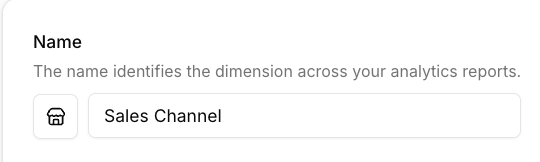
DTC
DTC
Add all website sources (e.g. Shopify Backend, Shopify Web) under Events and all ad platform sources (e.g. Meta Ads, Google Ads, TikTok Ads) under Marketing.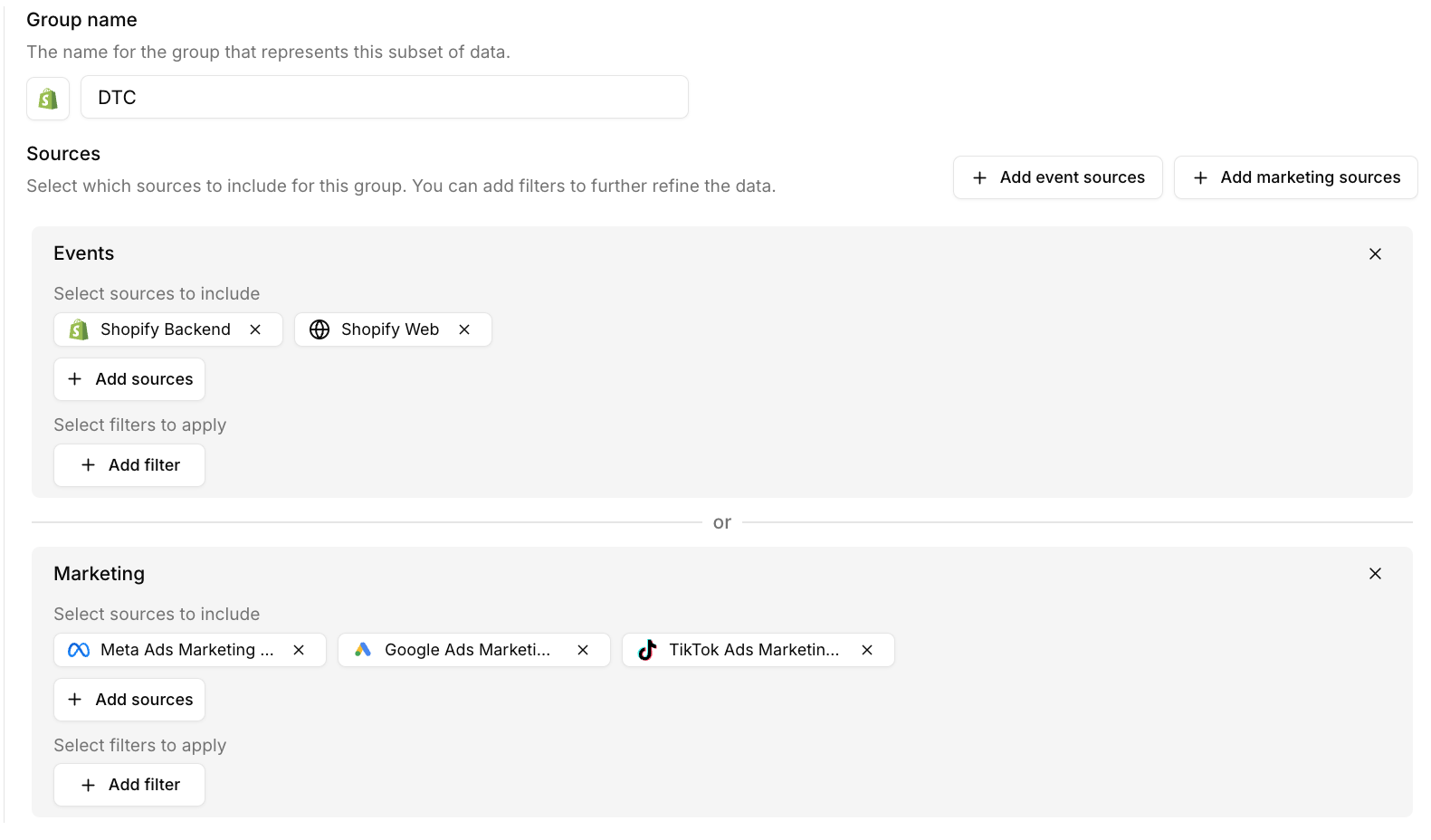
Amazon
Amazon
Add your Amazon Event Source under Events and your Amazon Ads Marketing Source under Marketing.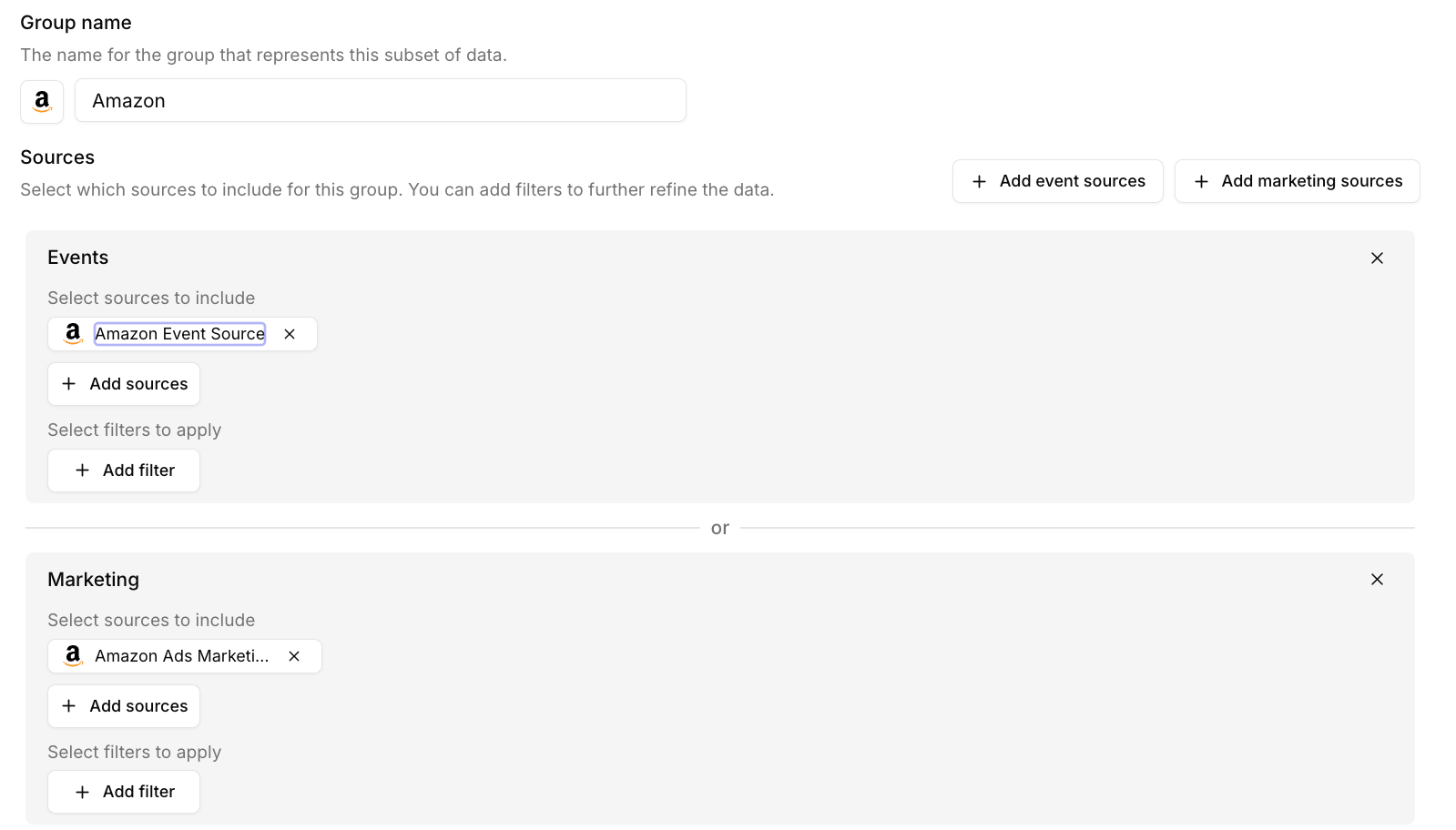
Analytics
Store dimensions become very powerful once you start using them across your analytics.Overview
Overview
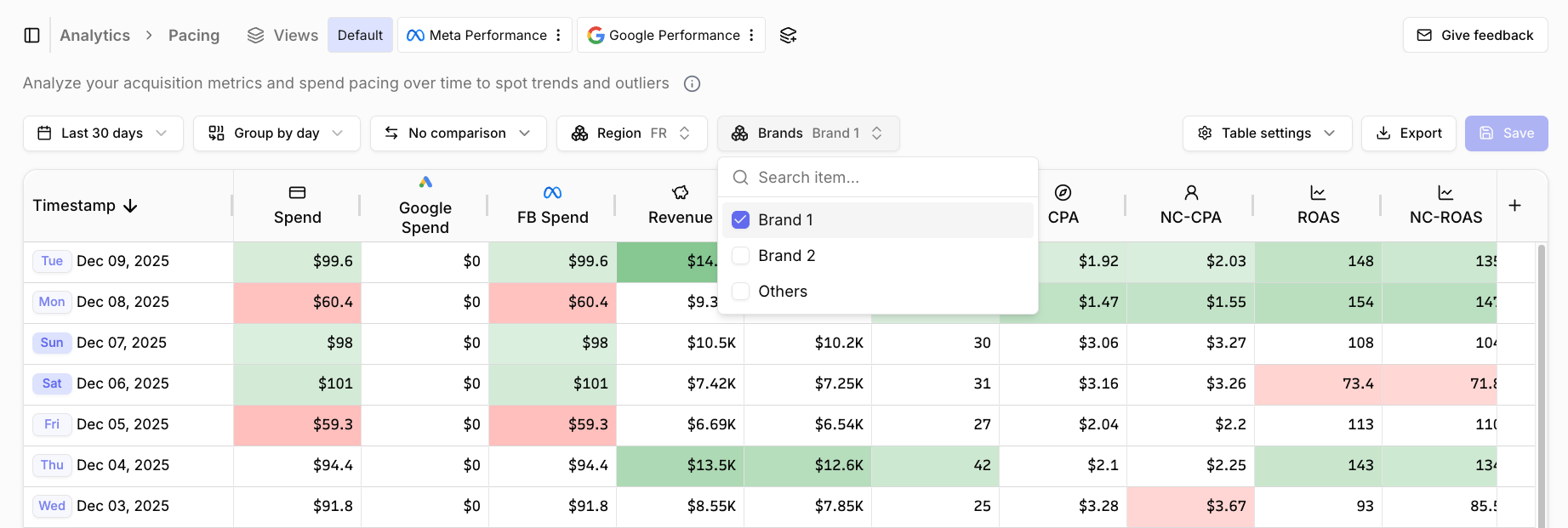
Pacing
Pacing
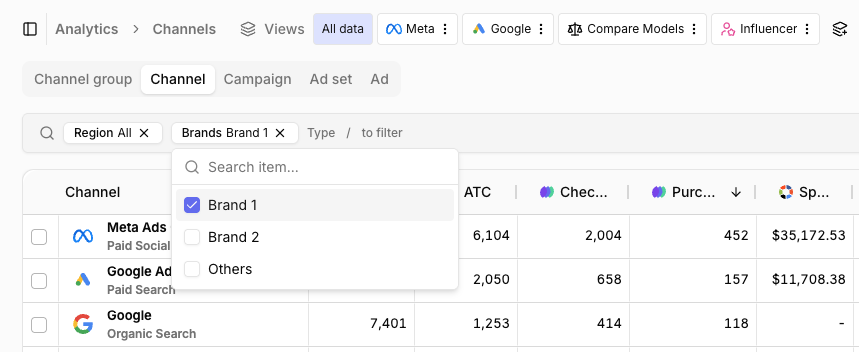
Attribution
Attribution
Landing pages
Landing pages
Store dimensions are currently not available for Landing pages. We will add support for this soon. Reach out to let us know if you are interested.
Insights
Insights
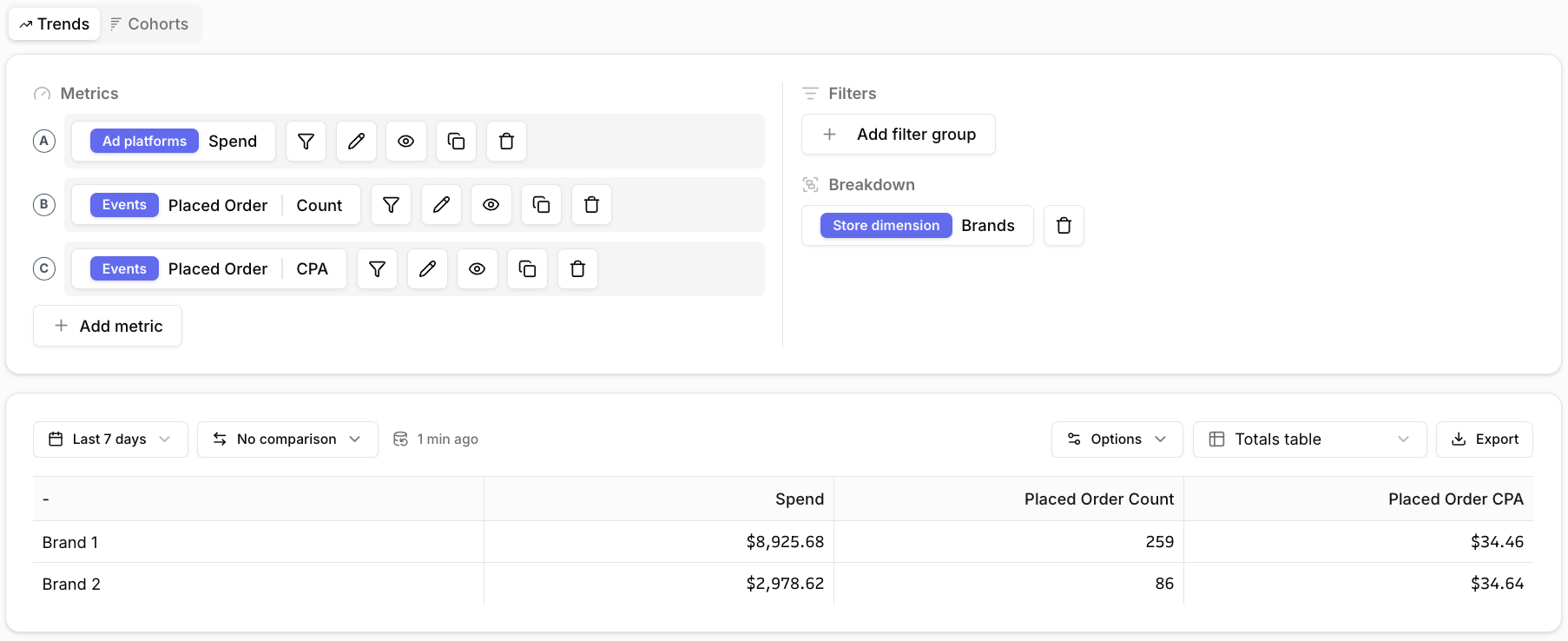
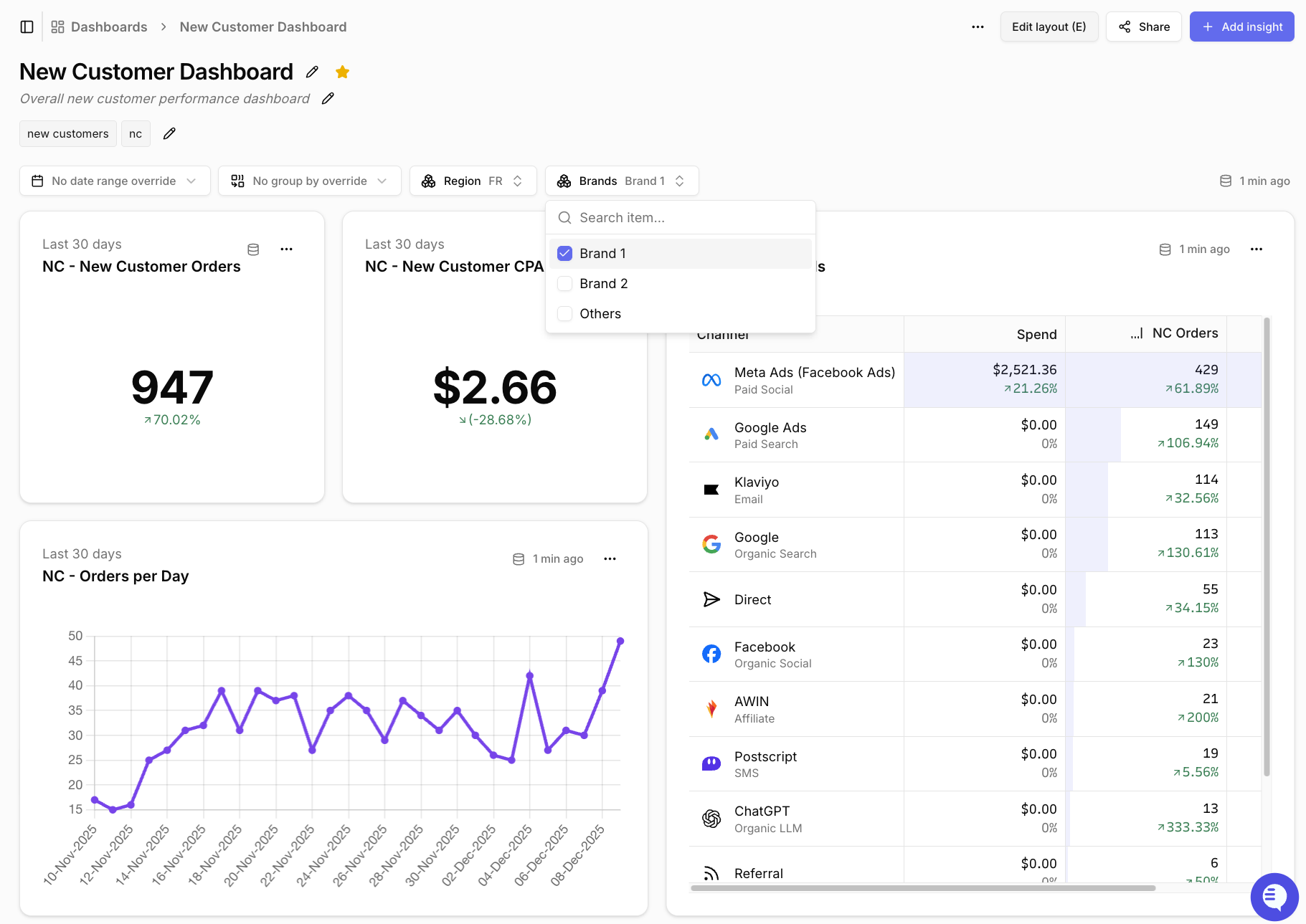
Dashboards
Dashboards
FAQ
The Others group contains more data than I expect, why is that?
The Others group contains more data than I expect, why is that?
The Others group contains all data that was not matched to any group.
- Confirm that all of your sources are assigned to at least one group.
- Confirm that the filters you applied are available across both website and server-side events or marketing spend.
- If you still see too much data in Others and you are correctly filtering on session properties, you may have many “unstitched” events that do not have any session properties. See our Debugging stitching issues guide for more information.
I want to use the shipping address to split my data by country, why should I not do this?
I want to use the shipping address to split my data by country, why should I not do this?
The shipping address only lets you split order data by country, not the rest of your website data.As a result, all website data is added to the Others group, so you cannot review website analytics such as conversion rate or new visitor % per country.
Why should I use store dimensions if I already have campaigns set up per region or brand?
Why should I use store dimensions if I already have campaigns set up per region or brand?
If you rely only on attribution models, you exclude traffic that is not directly attributed to a specific campaign.For example, you may have a large organic presence in a region or traffic leaking into direct. These should still be included when reviewing region or brand performance at an aggregated level.Instead of splitting the dimension by the session’s source, split it by where the traffic lands. That way, you can review blended metrics across all sources.
What if my ads are targeting multiple regions?
What if my ads are targeting multiple regions?
It is not possible to use store dimensions in this case. Converge does not break out performance for an individual ad down to the region level.If reviewing blended marketing performance per region is critical, you should restructure your campaigns so that each campaign targets a single region and includes that region in the naming convention.