

Connect your Meta account
- Click your name at the bottom of the sidebar and select Settings.
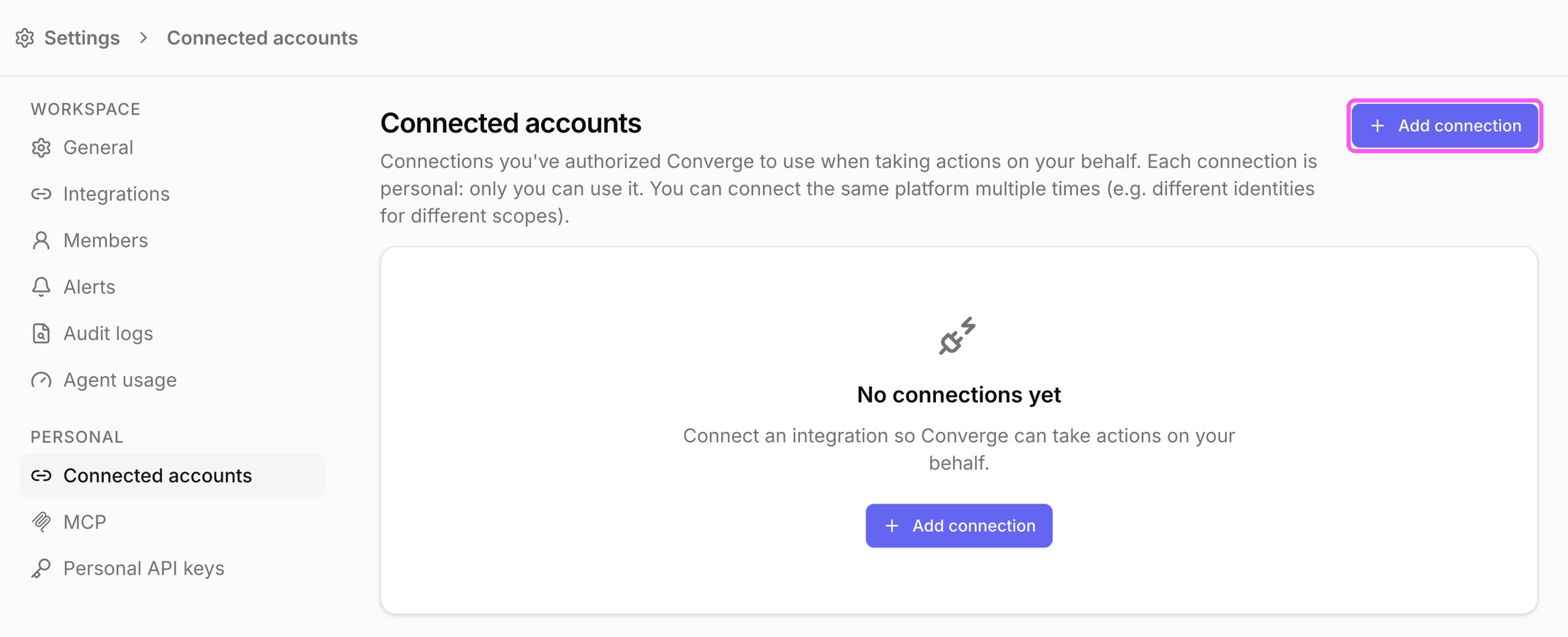
- Under Personal, select Connected accounts.
- Click Add connection.
- Review what Converge asks Meta for, then click Continue with Meta and sign in. Converge asks to:
- Read campaign performance for the ad accounts you grant access to.
- Update budgets, bids, and statuses when it applies changes for you.
- Read your ad account list, so you can choose which accounts Converge can manage.
- In Authorize ad accounts, select the ad accounts Converge can manage and click Connect (the button shows how many accounts you picked, for example Connect 2 accounts). You can also click Skip for now and choose them later.
Change the ad accounts Converge can manage
- Open Settings > Connected accounts and click the connection.
- In Authorized ad accounts, click Edit selection (or Choose accounts if none are selected yet) and select the ad accounts.