

The AppLovin marketing source allows you to see platform-specific metrics (e.g. Ad Spend) in Converge.
To send data from Converge to AppLovin, check out the AppLovin Destination instead.
Set up the Marketing source
- Navigate to your and choose Account > Keys.
- Copy your Report Key.
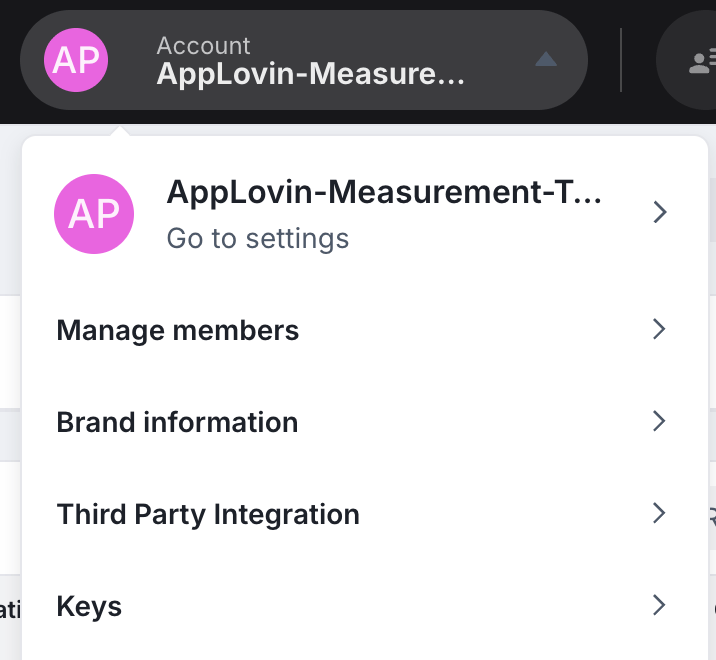
- In the Converge dashboard, navigate to the Marketing Sources Tab.
- Click on Connect a new ad platform and then choose AppLovin.
-
Name your ad platform sync: e.g.
AppLovin Ad Account. - Fill in the Report Key you copied from AppLovin in Step 2.
- After pressing Create your AppLovin metrics will stream into Converge.
Converge functionality
This integration supports the following Converge marketing source functionality.Set up your Converge Tracking Parameters
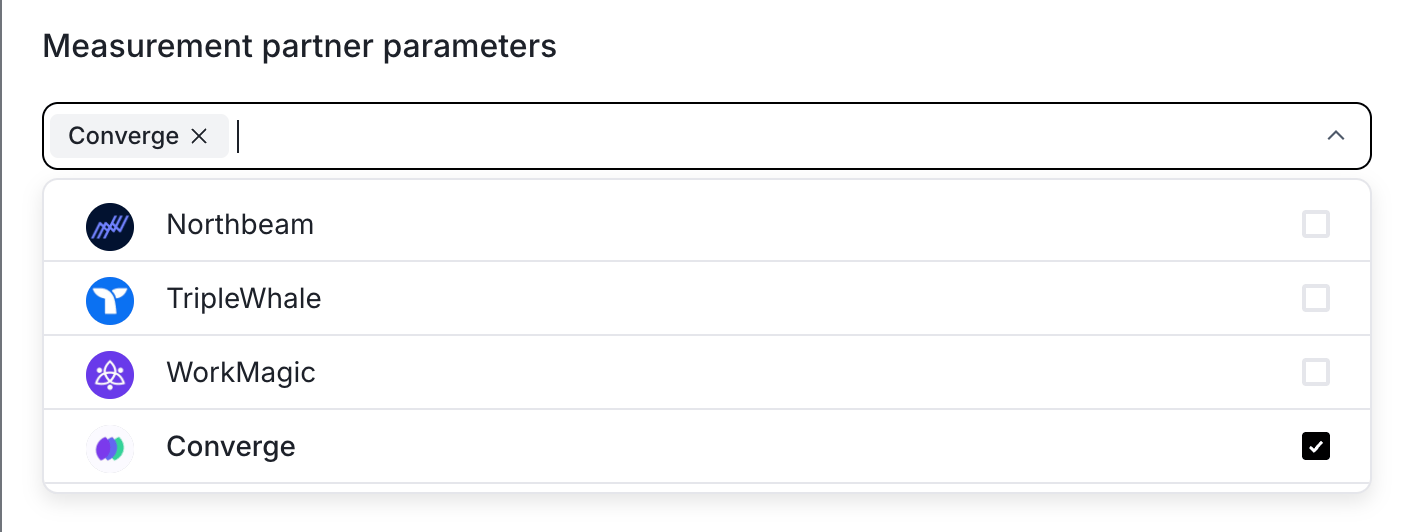
- Navigate to the AppLovin Ad Manager.
- Open your campaign and go to the Objective section.
- Edit the tracking template and select Converge under Measurement partner parameters.
Supported metrics
We support a variety of metrics to help you analyze your ad performance on AppLovin. Click on each category to expand and see the specific metrics available.Overview Report
Overview Report
The Attribution Overview Report provides a high-level snapshot of your ad performance, including efficiency and engagement metrics.
Channels Report
Channels Report
The Channels Report tab provides a detailed comparison of performance metrics across advertising channels, campaigns, ad sets, and ads, helping you understand the most effective elements.