

The OpenAI marketing source allows you to see platform-specific metrics (e.g. Ad Spend) in Converge.
To send data from Converge to OpenAI, check out the OpenAI Ads Destination instead.
Set up the Marketing source
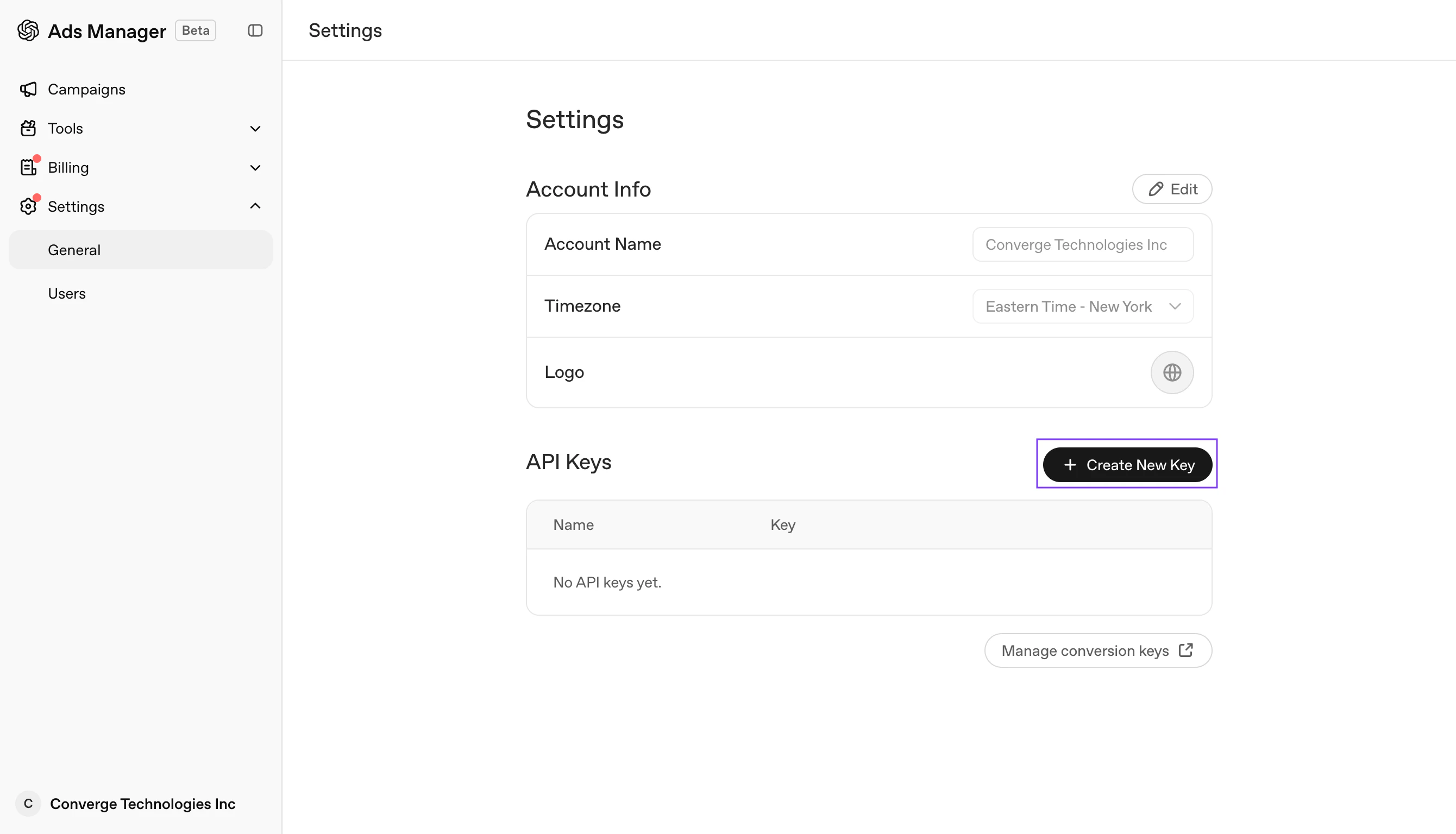
- Navigate to your and choose Settings > General.
- Under API Keys, click Create New Key.
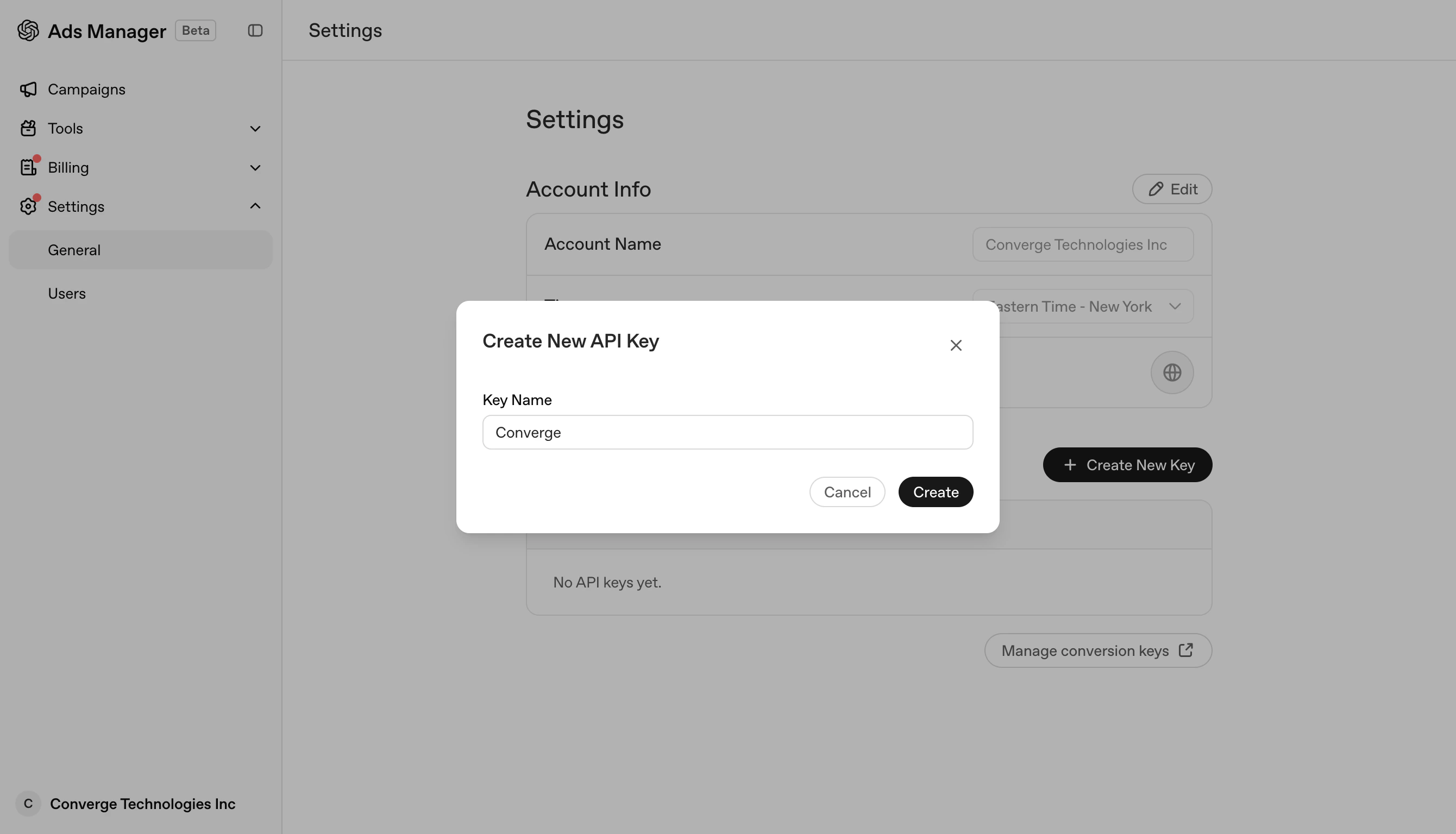
- Give it a name (e.g.,
Converge) and click Create.
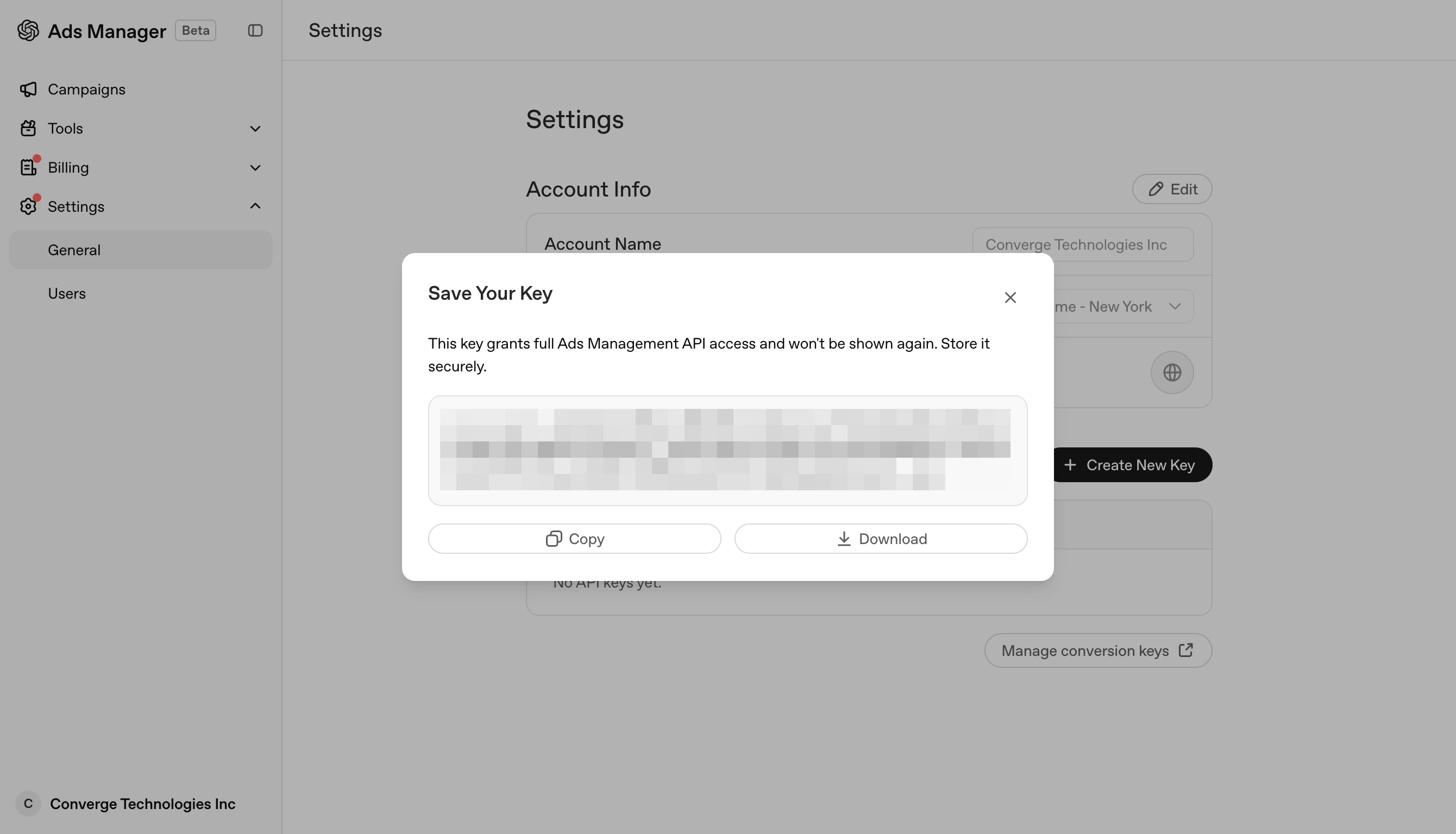
- In the Save Your Key screen, click Copy to copy the key to your clipboard and keep it safe.
- Navigate to the Marketing Sources in your Converge dashboard.
- Click on Connect a new marketing source and select OpenAI Ads from the list.
-
Give it a name (e.g.,
OpenAI Ads) and click Next. - In the Configuration step, fill in the Reporting API key field with the key you copied in step 4, and click Next.
- Review your changes and click Connect marketing source. Your OpenAI Ads metrics should begin streaming into Converge.
Set up your Converge tracking parameters
You don’t need to change the URL of each ad by hand. Instead, set your tracking parameters once in Ads Manager, and OpenAI appends them to your landing page URLs automatically.- Navigate to your and open the Campaigns page.
- Open the three-dot menu of your campaign and select Edit campaign.
-
Add the following snippet under Landing page query parameters:
{ad_id}and{campaign_id}are OpenAI macros that Ads Manager fills in automatically when your ad is served. - Repeat steps 1-3 for every campaign you run.
More specific settings take precedence: Ad URL > Ad > Ad Group > Campaign. If a parameter is already set at a more specific level, the campaign-level value won’t overwrite it.